In the quest for fitness and health, finding new and exciting ways to exercise is essential to stay motivated. Google Maps, known primarily for its navigation capabilities, can surprisingly be a valuable asset in your fitness journey. This article explores how Google Maps can be used to enhance your fitness routine, from planning jogging routes to discovering new hiking trails.
Transforming Exercise with Google Maps
The adaptability of Google Maps makes it an ideal tool for fitness enthusiasts. Whether you’re a runner, cyclist, hiker, or simply enjoy long walks, Google Maps can help in planning and executing your workouts effectively and enjoyably.
1. Mapping Out Running and Cycling Routes
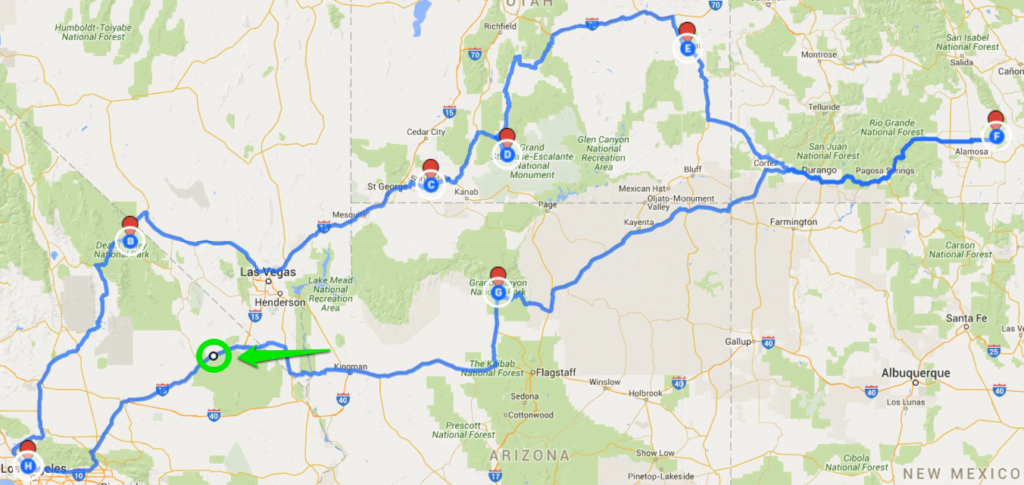
For runners and cyclists, plotting out routes is crucial. Google Maps allows you to create custom routes, taking into account factors like distance, terrain, and scenic value. You can plan routes that challenge you with hills or opt for flatter, more consistent terrain depending on your training goals.
2. Discovering New Trails and Paths
Exploration is a key element of outdoor fitness. Google Maps can be used to discover new trails, parks, and paths in and around your area. This is especially useful for hikers and trail runners looking for new challenges and scenery.
3. Using Street View for Pre-Workout Scouting
Street View is an excellent feature for previewing a route before you head out. You can virtually explore a trail or path, check its condition, and identify landmarks to look out for. This preparation can make your workout more efficient and enjoyable.
4. Tracking Distance and Elevation
Google Maps can help you track the distance and elevation of your planned route, which is vital information for many fitness routines. Knowing the distance helps in pacing yourself, while understanding the elevation change can prepare you for the intensity of the workout.
5. Finding Fitness Facilities and Amenities
Beyond outdoor activities, Google Maps is useful for locating fitness facilities like gyms, yoga studios, and sports complexes. It can also help you find nearby amenities such as water fountains, public restrooms, and parks for rest or stretching.
6. Incorporating Local Attractions into Your Routine
Make your fitness routine more interesting by incorporating local attractions or landmarks into your route. Plan a jog that ends at a local coffee shop or a bike ride that takes you through historical parts of the city, adding an element of discovery to your workout.
7. Safety and Accessibility Features
Safety is paramount, especially when exercising in new areas. Google Maps provides features like live location sharing and information on well-lit paths, ensuring your safety during early morning or evening workouts. It also offers accessibility information, which is crucial for inclusivity in fitness.
8. Community and Social Integration
Finally, Google Maps can be a tool for social fitness. Share your favorite routes with friends or local fitness communities, and explore routes shared by others. This community aspect can add a social dimension to your workouts, keeping you motivated and connected.
Conclusion
Integrating Google Maps into your fitness routine opens up a world of possibilities for exercise and exploration. By leveraging its features to plan routes, discover new paths, and ensure safety, you can add variety and excitement to your workouts. As technology continues to advance, we can expect even more features that will seamlessly blend fitness with digital navigation, making exercise both fun and effective.