Google Maps has revolutionized the way we navigate our world, becoming an indispensable tool in our daily lives. From guiding us on our commutes to helping us discover new dining spots, its impact is undeniable. However, beyond its well-known navigation and location search capabilities, Google Maps harbors a treasure trove of lesser-known features waiting to be explored. These hidden gems not only enhance our user experience but also open up new ways of interacting with the world around us. In this deep dive, we’ll uncover some of the most intriguing, yet often overlooked, features of Google Maps.
1. The Time Travel Feature with Street View
Imagine being able to see how a place has changed over time, right from your screen. Google Maps offers a form of digital time travel through its Street View feature. By accessing historical imagery, you can view the transformation of landscapes, the evolution of cityscapes, and the development of neighborhoods over the years. This feature not only serves as a tool for curiosity but also provides valuable insights for researchers and history enthusiasts.
2. Custom Maps with My Maps
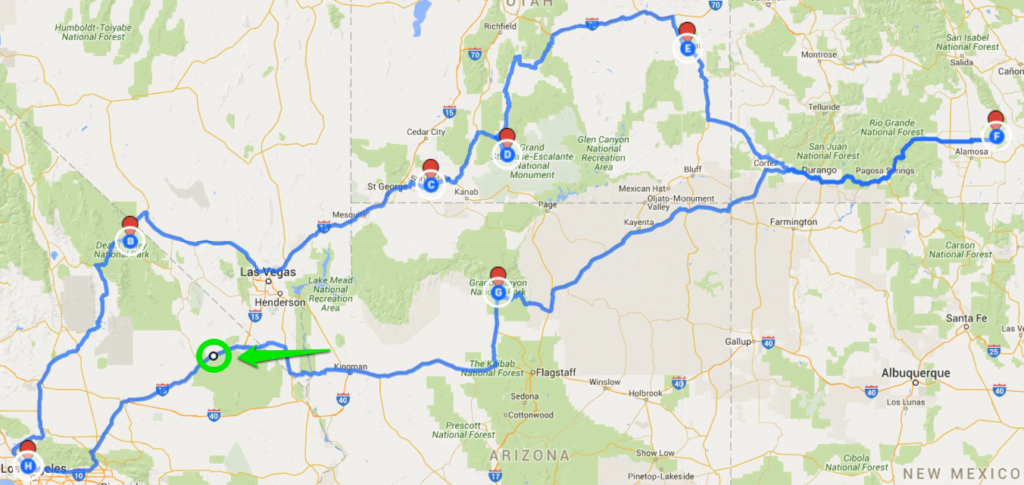
Google Maps allows you to create personalized maps through the ‘My Maps’ feature. This tool is perfect for planning trips, creating guides, or just mapping out your favorite spots in the city. You can add custom markers, draw paths, and even share these maps with others. It’s an excellent way for travelers to plan their itinerary or for friends to share recommendations.
3. Indoor Maps for Easy Navigation Inside Buildings
Ever find yourself lost in a large mall, airport, or museum? Google Maps comes to the rescue with its indoor maps feature. This functionality provides detailed floor plans of large buildings, making it easier to navigate through complex indoor spaces. From finding the nearest restroom to locating a specific store, indoor maps add a layer of convenience to our indoor experiences.
4. Using Google Maps in Incognito Mode
For those concerned about privacy, Google Maps offers an ‘Incognito Mode’. When activated, activities like the places you search for or get directions to won’t be saved to your Google Account. This feature is particularly useful for those who want to keep their location searches and travel plans private.
5. Accessibility Information for Better Planning
Google Maps is a powerful tool for inclusivity, providing accessibility information for various locations. This feature offers insights into whether a place has features like wheelchair-accessible entrances, restrooms, and seating. It’s an invaluable resource for people with disabilities, making it easier to plan outings and navigate new spaces confidently.
6. Real-Time Crowds and Popular Times
Want to avoid the crowd at your favorite restaurant or gym? Google Maps offers real-time crowd information and typical busy times for businesses. This feature helps in planning visits during less crowded times, ensuring a more comfortable and convenient experience.
7. Exploring Natural Features and Terrain
For the outdoor enthusiasts and nature lovers, Google Maps’ terrain view feature is a hidden gem. It provides topographical information, allowing users to explore natural features like mountains, valleys, and water bodies. This feature is particularly useful for hikers, cyclists, and anyone planning outdoor adventures.
8. Discovering Local Events and Activities
Google Maps isn’t just about finding places; it’s also about discovering what’s happening around you. The platform often lists local events, activities, and exhibitions, making it easier to find interesting things to do in your area.
As we continue to peel back the layers of Google Maps’ functionalities, it becomes evident that this tool is much more than a mere navigation aid. It’s a gateway to exploration, a facilitator of accessibility, and a canvas for personalization. In the rest of this article, we delve deeper into each of these features, uncovering how they can enrich our interactions with the world and simplify our daily routines. Stay tuned as we journey through the hidden corridors of Google Maps, uncovering the full potential of this digital mapping powerhouse.