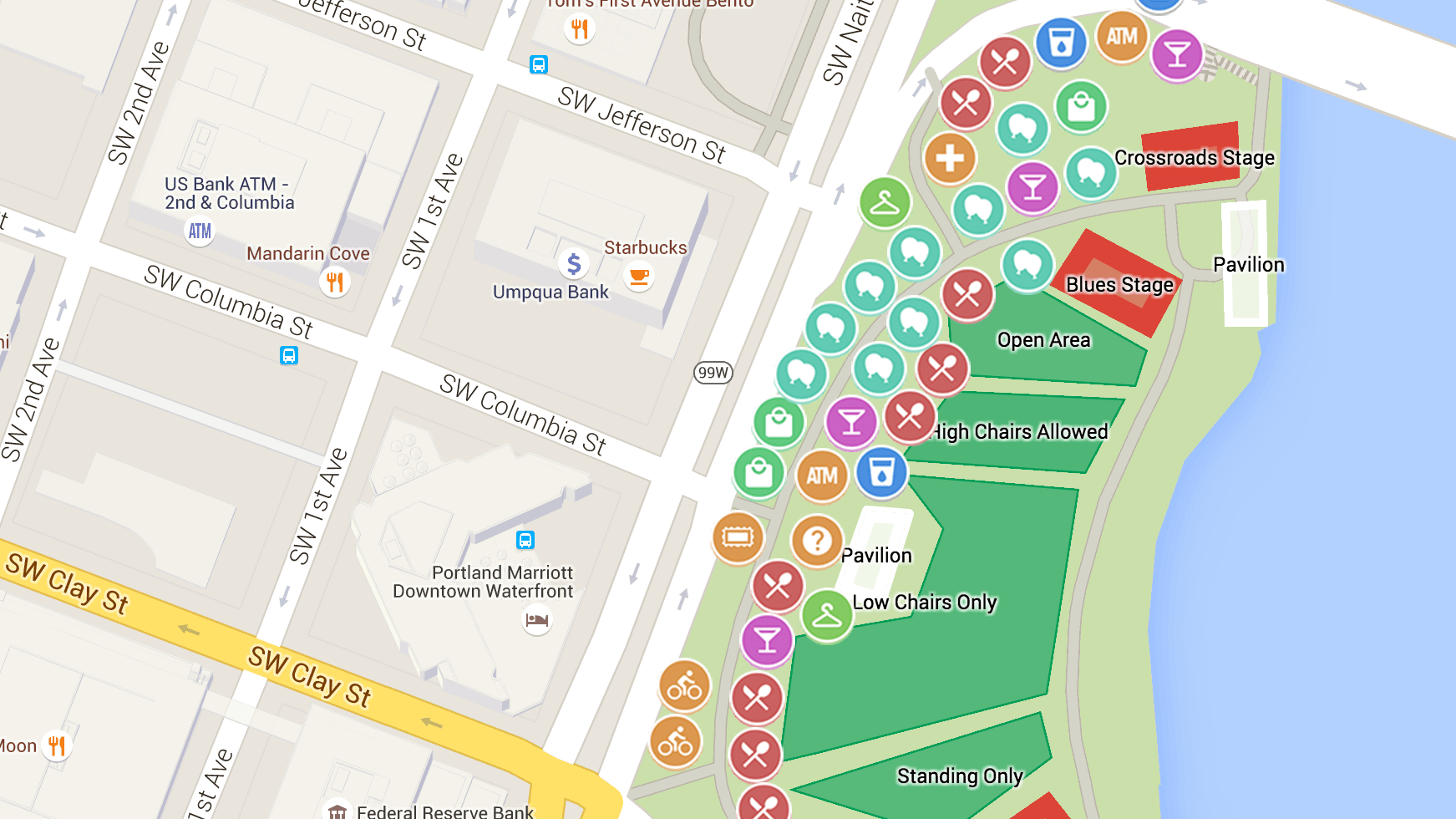
Google Maps is renowned for its versatility and user-friendly interface. However, what elevates it from a mere navigational tool to a personalized journey planner are its customizable settings. This article delves into the various settings and features you can adjust in Google Maps to tailor it to your specific needs and preferences, enhancing your overall experience.
1. Customizing Your Route Options
One of the most practical features of Google Maps is the ability to customize your route. You can choose your mode of transport – be it driving, walking, cycling, or using public transit – and Google Maps will adjust the route accordingly. Moreover, you can set preferences like avoiding tolls, highways, or ferries, which is particularly useful for drivers with specific route requirements.
2. Changing Map Views and Layers
Google Maps offers different map views – Default, Satellite, and Terrain – each providing a unique perspective. The Default view offers a clean and clear layout, the Satellite view gives a real-life aerial perspective, and the Terrain view highlights physical features like mountains and rivers. Beyond these, you can also overlay additional layers such as traffic, public transit lines, and cycling routes, depending on your needs.
3. Setting Up Offline Maps
One of the most useful features for travelers is Offline Maps. You can download a map of an area, which then becomes accessible even without an internet connection. This is particularly handy in areas with poor cellular reception or when traveling abroad to avoid data roaming charges.
4. Personalizing Your Places
Google Maps allows you to mark and save places that are important to you. You can categorize these places into lists like ‘Favorites,’ ‘Want to Go,’ or ‘Starred Places.’ This personalization helps in quickly accessing frequently visited places or planning future visits to places of interest.
5. Adjusting Notifications and Location Sharing Settings
Notifications in Google Maps can be customized to your preferences. You can choose to get notifications about traffic, transit alerts, or even recommendations for places to visit. Additionally, the location-sharing feature can be adjusted for privacy, letting you control who can see your location and for how long.
6. Utilizing Voice Navigation and Sound Settings
For a hands-free experience, especially while driving, voice navigation is a key feature. You can choose from different voices and adjust the volume level to suit your comfort. Google Maps also allows you to select whether you want voice guidance over Bluetooth or while on a call.
7. Integrating Google Calendar and Contacts
By linking your Google Calendar and Contacts with Google Maps, you get a more integrated experience. For example, if you have an event in your Calendar with an address, Google Maps can remind you when to leave based on current traffic conditions. Similarly, addresses saved in your Contacts automatically show up in Google Maps when searching.
8. Exploring Accessibility Features
Google Maps has made strides in improving accessibility. Features like wheelchair accessibility information for places and audible signals for walking directions enhance the usability of the app for individuals with disabilities.
Conclusion
Google Maps is more than a one-size-fits-all application; it’s a versatile tool that can be tailored to fit individual preferences and needs. By exploring and adjusting its settings, you can transform Google Maps from a standard navigation app into a personal travel assistant that understands and caters to your unique travel style and requirements. As technology continues to advance, we can expect even more customizable features that will further enhance our experience with Google Maps.