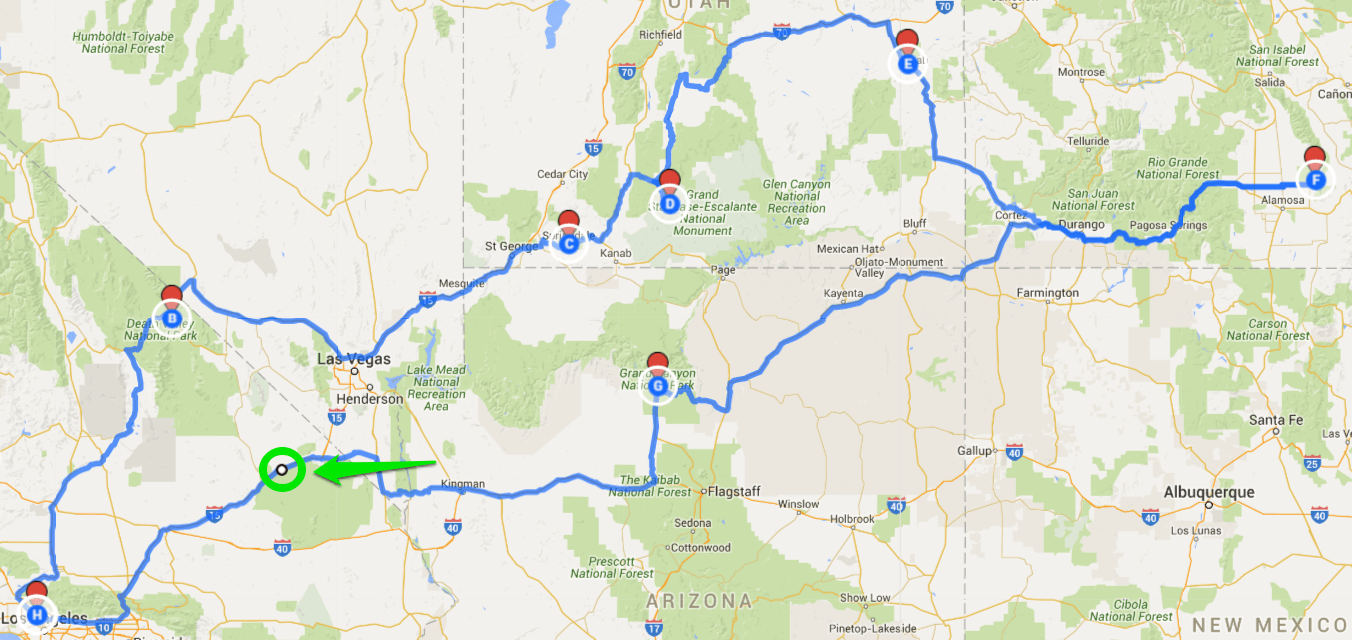
Road trips are the quintessence of adventure and freedom. They offer a unique way to explore landscapes, cultures, and hidden corners of the world at your own pace. In the digital era, planning a road trip has become more accessible and enjoyable, thanks in large part to Google Maps. This article explores how to effectively use Google Maps for planning the ultimate road trip, ensuring a journey that is as smooth as it is memorable.
Embracing the Open Road with Google Maps
Google Maps has emerged as an indispensable tool for road trip enthusiasts. Its comprehensive features allow travelers to plot routes, identify points of interest, and even make adjustments on the fly. Whether you’re embarking on a cross-country journey or exploring the roads less traveled, Google Maps can enhance your experience.
1. Crafting the Perfect Route
The first step in any road trip is planning your route. Google Maps allows you to input your starting point, destination, and any waypoints in between. It offers the quickest route but also allows you to customize your path. For a scenic drive, you can adjust the route to include coastal roads, mountain passes, or historic highways.
2. Finding Interesting Stops Along the Way
A road trip is as much about the journey as the destination. Google Maps helps you discover interesting stops along your route, from national parks and historic landmarks to quirky roadside attractions. You can also find practical stops like gas stations, rest areas, and restaurants.
3. Leveraging Real-Time Traffic Updates for a Smoother Ride
Traffic can be a significant buzzkill on a road trip. Google Maps provides real-time traffic updates, helping you avoid congested areas or road closures. This feature is particularly useful for timely rerouting, ensuring that your journey remains as smooth as possible.
4. Utilizing Offline Maps for Uninterrupted Navigation
One of the challenges of road trips is navigating through areas with poor cell reception. Google Maps allows you to download maps for offline use, ensuring that you have uninterrupted access to navigation, even in the most remote areas.
5. Customizing Your Trip with Layers and Street View
For a more immersive planning experience, use Google Maps’ layers and Street View features. Layers can show terrain, satellite imagery, or cycling paths, providing a deeper understanding of the landscape. Street View offers a ground-level perspective, helping you preview specific locations.
6. Incorporating Accommodations and Reservations
Planning where to stay is crucial. Google Maps can help you find hotels, campgrounds, or vacation rentals along your route. You can check availability, read reviews, and even make reservations directly through the app.
7. Planning for Emergencies and Safety
Safety should always be a priority. Google Maps can be used to locate hospitals, police stations, and mechanics en route. Sharing your live location with a trusted contact through the app can also provide peace of mind.
8. Enhancing the Experience with Audio and Entertainment
Long drives can be tedious. Integrating your favorite music, audiobooks, or podcasts through Google Maps can make the journey more enjoyable. It syncs with various streaming services, allowing for seamless audio entertainment.
Conclusion
Planning a road trip with Google Maps is about creating a journey tailored to your interests and pace. It provides the tools to craft an itinerary that balances adventure with practicality. By leveraging the full capabilities of Google Maps, you can ensure that your road trip is not just a travel experience but a collection of unforgettable memories.


